Selfium App V2

Manage Your Subscription
Easily From Your Phone

Track your balance and internet usage, browse packages and contracts, pay online, manage your accounts, and use widgets for quick access from your phone's home screen.

Coming soon on Google Play Direct download Android APK iOS coming soon App Store
Direct, secure download of the Android APK
Current version: V2.0.0 Android Available now Build 2113 March 18, 2026
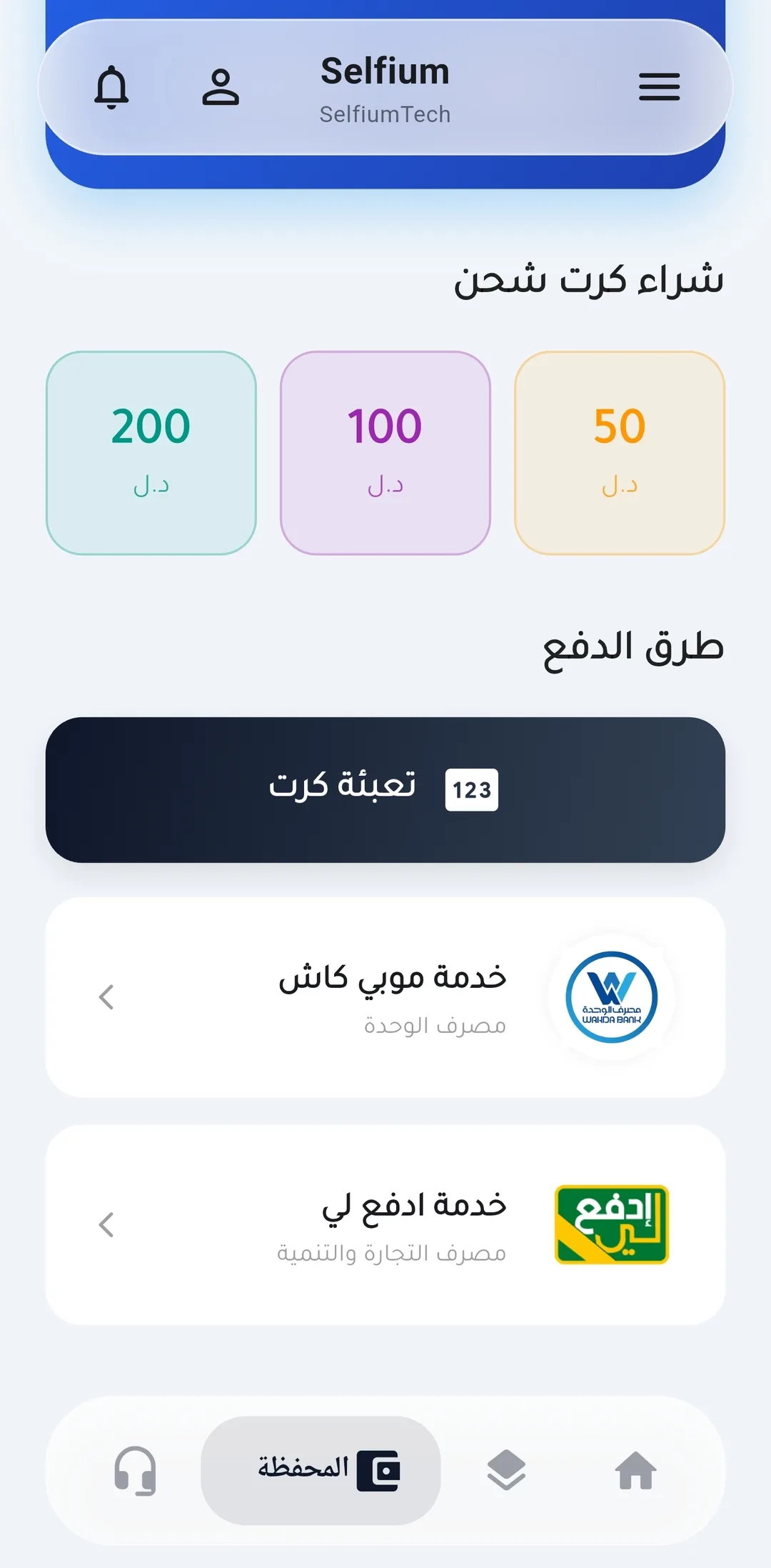
Payment screen in the Selfium app
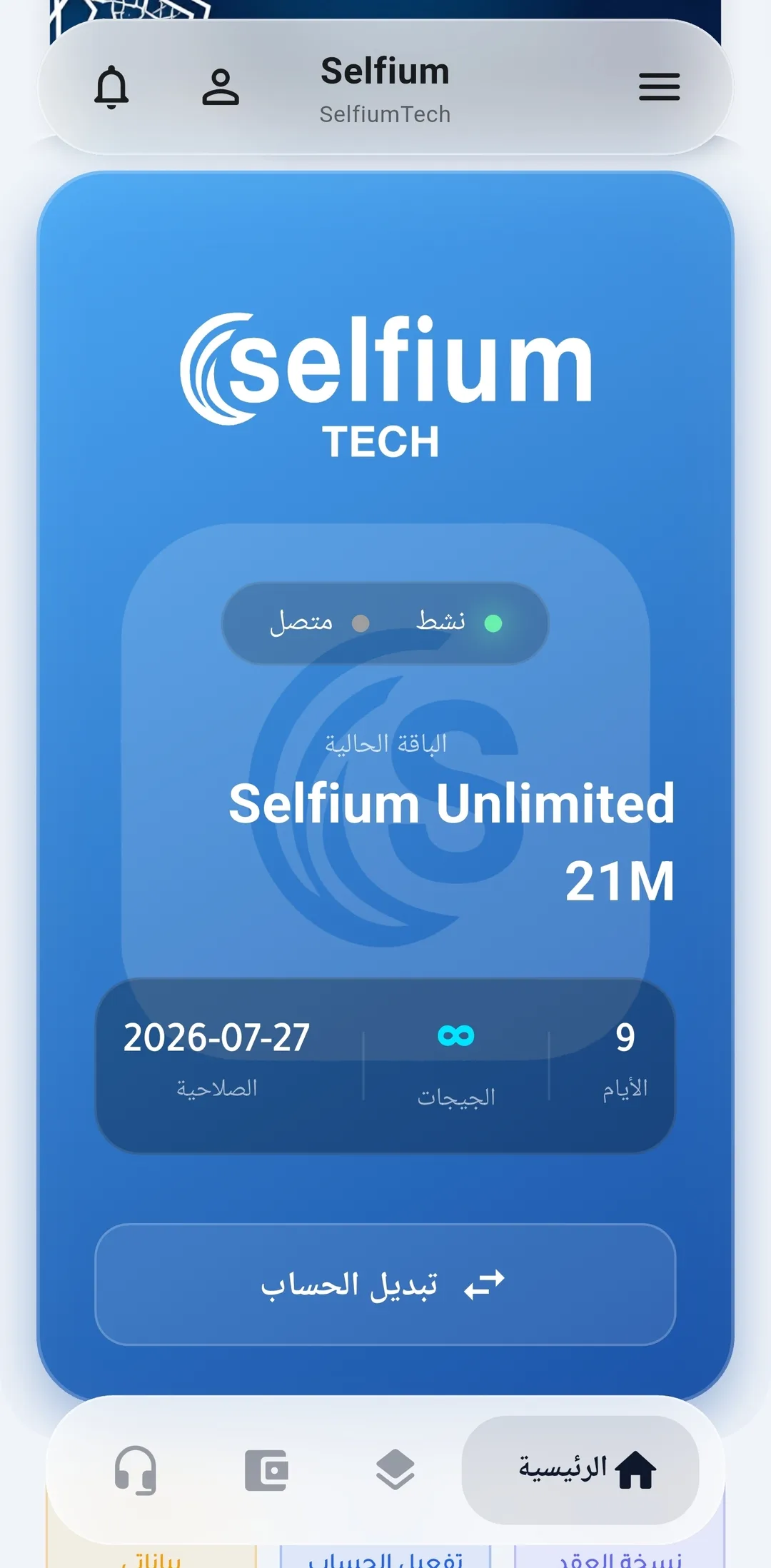
The home screen in the Selfium app
Everything you need in one app

Selfium App Features

Straightforward tools that help subscribers track their service and manage their account without visiting a service point.
Faster access from your phone's home screen

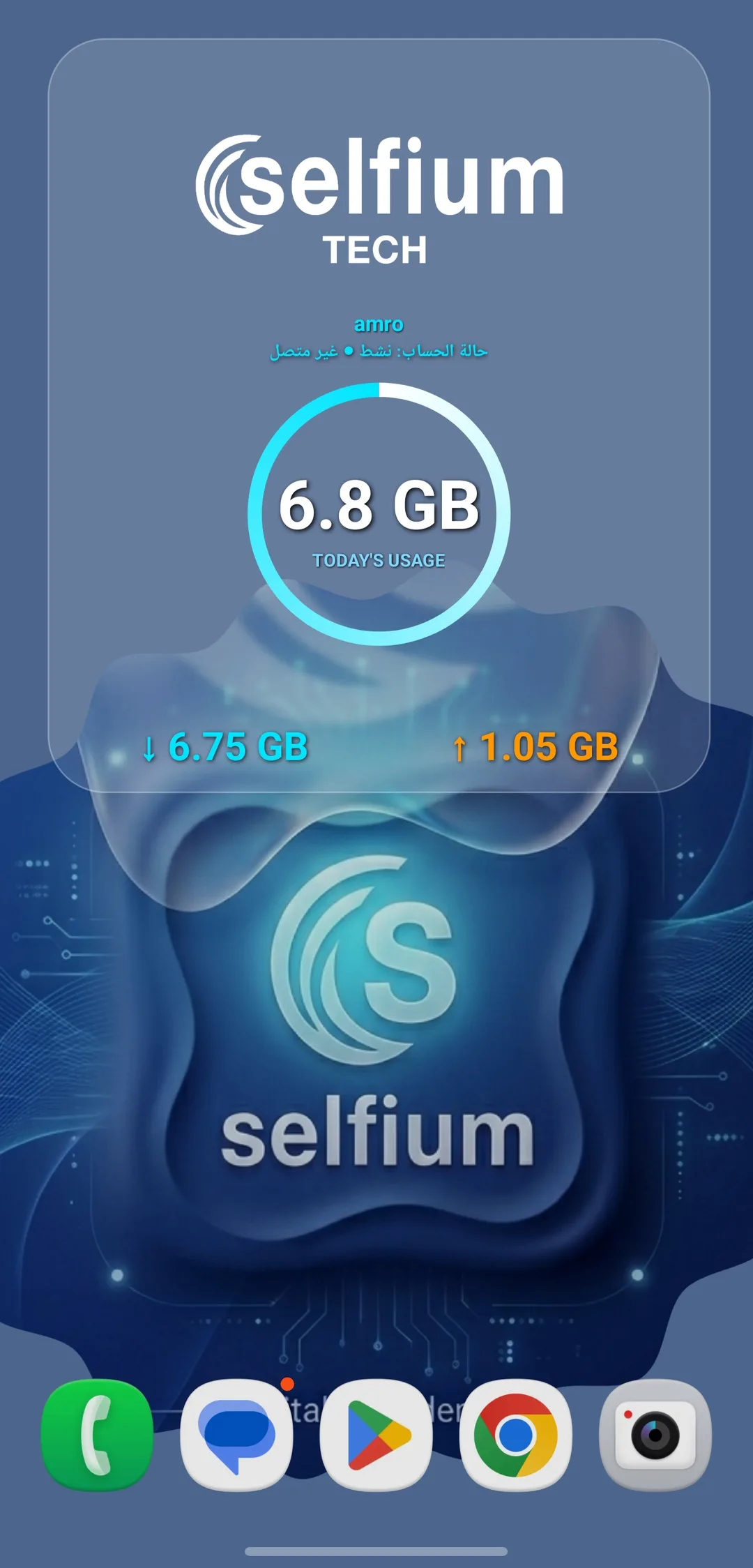
Selfium Widgets, Part of Your Daily Experience

Key shortcuts and information right on your home screen, designed to match Selfium's identity and cut down the steps to your most-used services.

  • Direct access without navigating multiple screens
  • A design consistent with the app and Selfium's identity
  • A faster experience for key information and shortcuts
Selfium app widgets on the home screen
A faster, clearer experience

Easy Access at Every Step

The app's screens are designed to reduce the number of steps and present the subscriber's most important functions clearly across every screen size.

Clear Navigation

Organized sections and direct shortcuts to the most-used services.

Fewer Steps

Quick access to balance, usage, payments, and accounts.

Mobile-Friendly

A flexible, clear experience on both small and large screens.

Comfortable Reading

Improved contrast, clearer text, and buttons sized for everyday touch use.

A Tour Inside the App

Selfium App Screens

Explore the key screens and services available to subscribers, through a clear and easy-to-use interface.
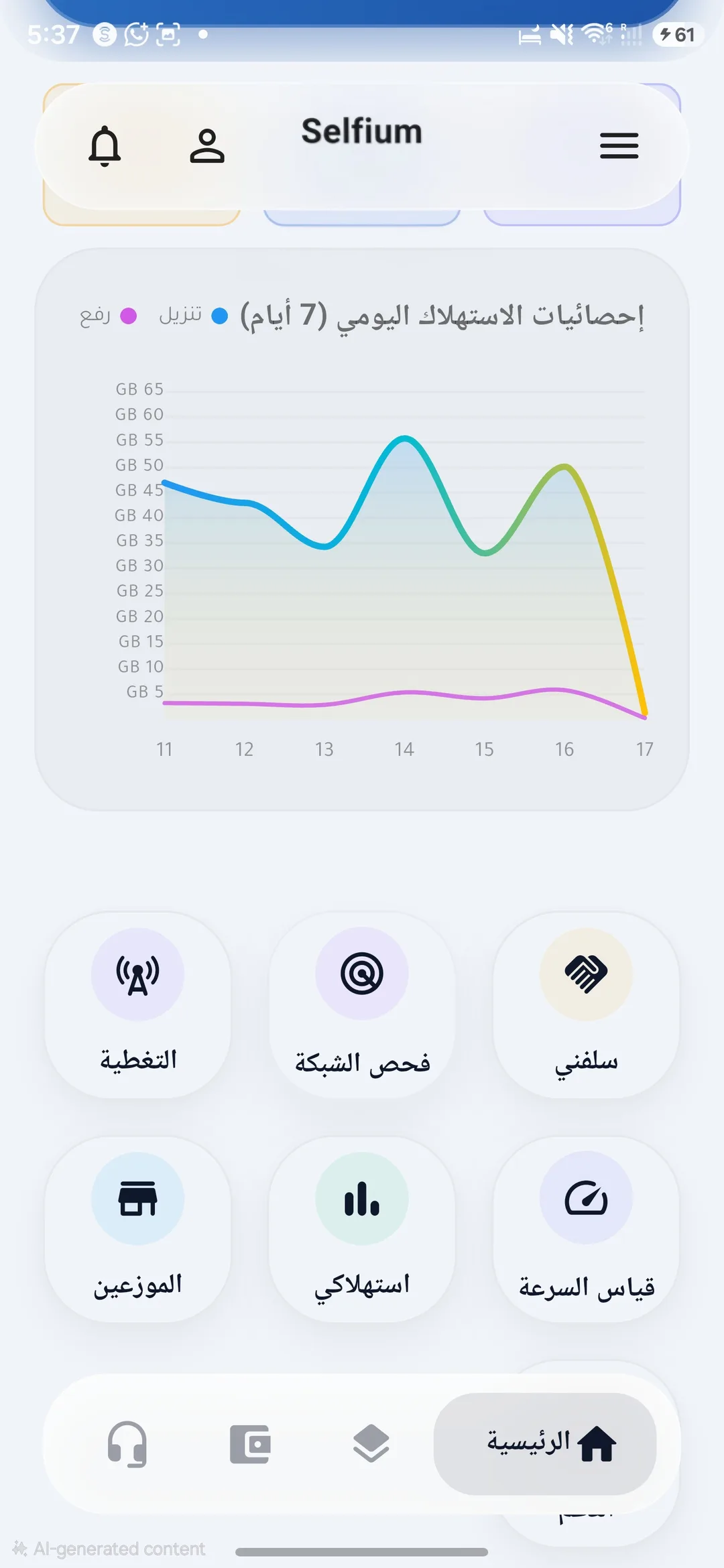
The home screen in the Selfium app
Home
Tracking internet usage in the Selfium app
Data Usage
Online payment and wallet top-up in the Selfium app
Online Payment
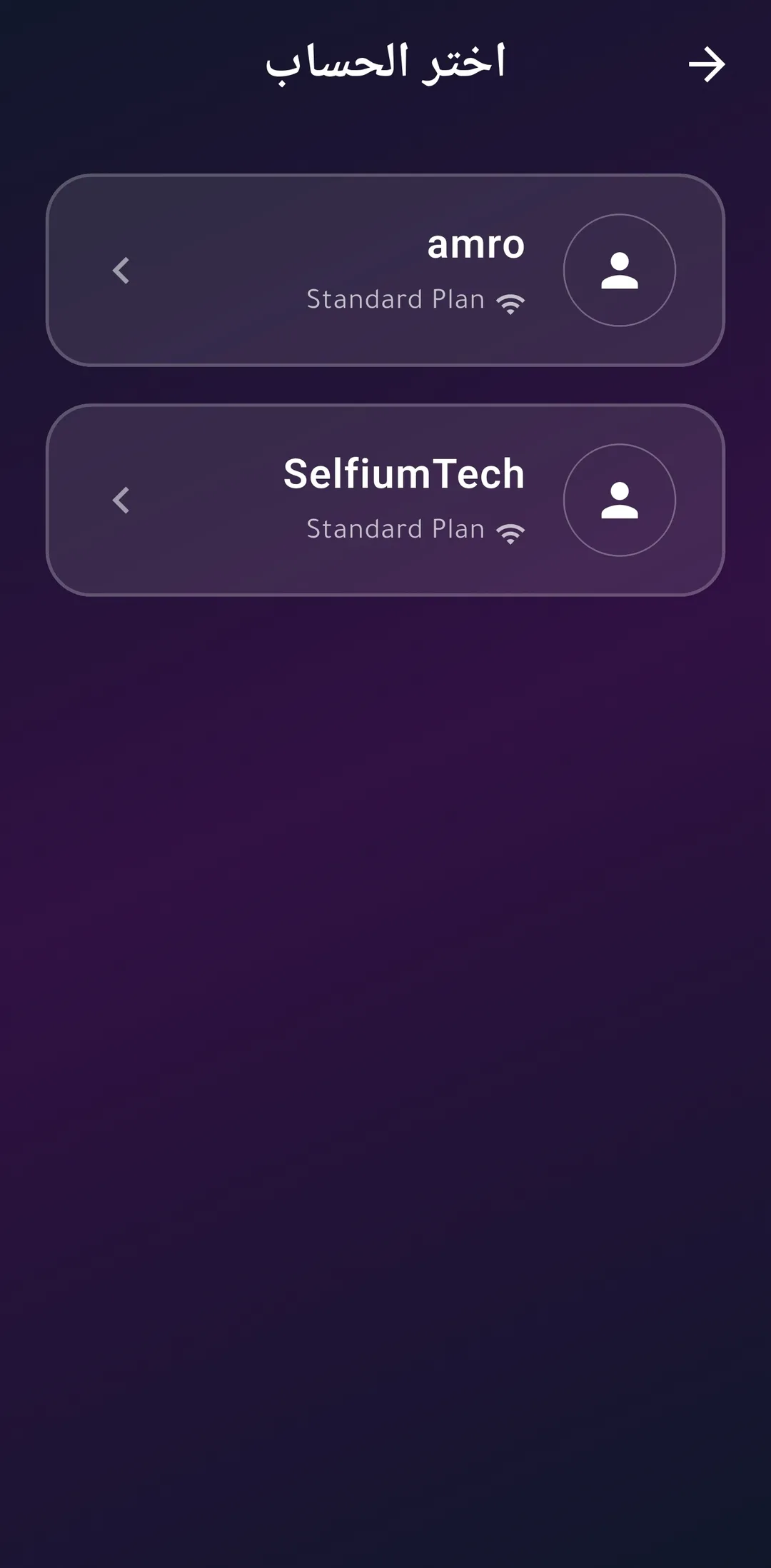
Managing multiple accounts in the Selfium app
Multiple Accounts
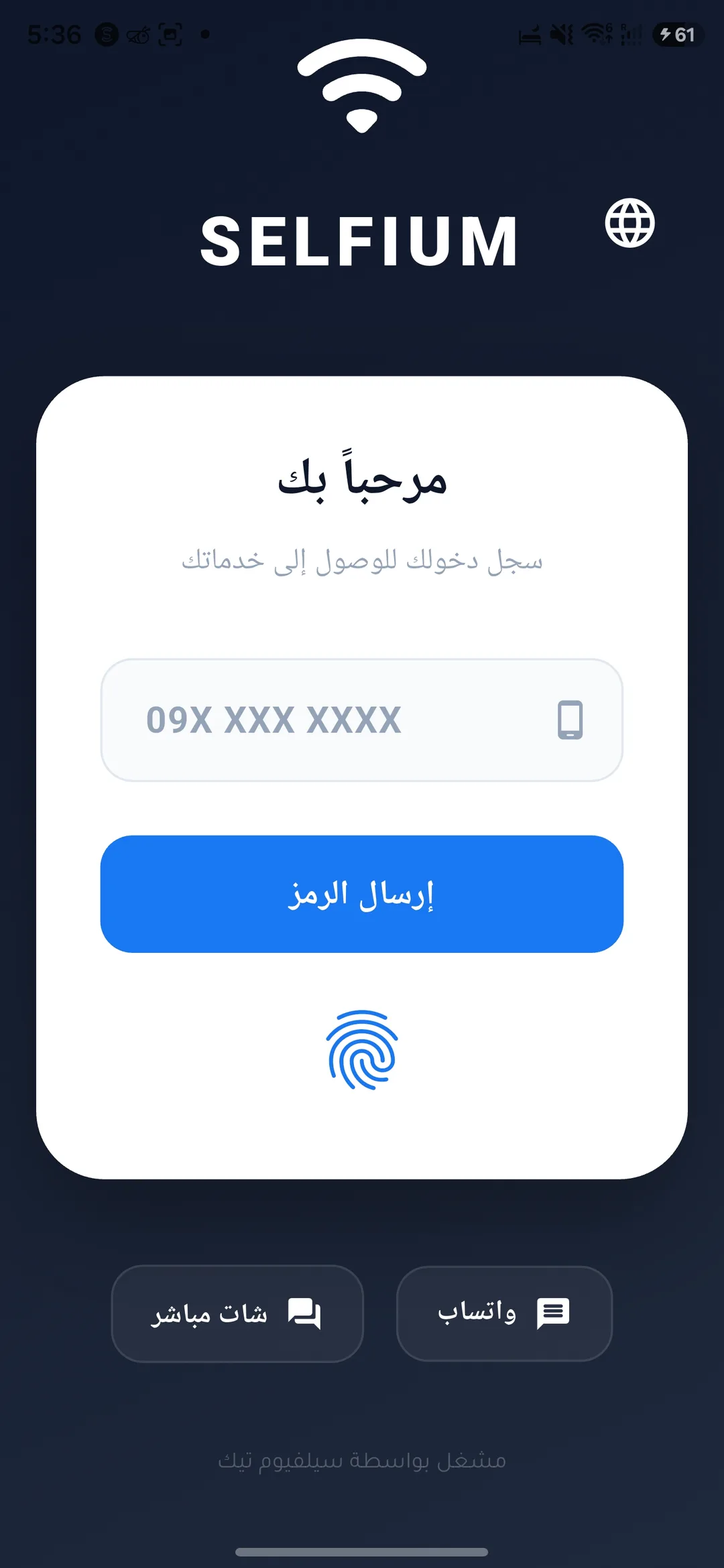
Signing in with fingerprint or face in the Selfium app
Biometric Login
Selfium app widgets on the phone home screen
Widgets
Versions & Updates

Selfium App Development Log

V2.0 Changelog Current stable version

The official current version of the Selfium app (Version 2.0.0 · Build 2113), available to download and update to now.

  • Improved sign-in and session handling
  • Secure support for multiple saved accounts
  • Fingerprint or face sign-in support
  • Choose the account you want after biometric verification
  • Improved account switching, preventing subscriber data from mixing
  • Faster loading of account and package data
  • Improved balance and usage experience
  • Improved payment and top-up flows
  • Improved notifications
  • Improved home screen widgets
  • Improved performance and stability
  • Improved connection security
  • Fixed certificate pinning so it no longer breaks on certificate renewal
  • Update directly over the previous version — no need to uninstall and reinstall
V1.0 Previous version

The first version of the Selfium app, kept here as part of the version history. It has been officially replaced by V2.0 above.

  • View balance and account status
  • Track internet usage
  • Browse packages
  • Online payment
  • View subscription information

How do I get the latest version?

Use the fixed download link — it stays the same across future releases.

Does updating keep my data?

The new version installs directly over the current app. Don't uninstall the app before updating.

An independent product for points of sale and distributors

Selfium Hotspot V2

A dedicated app for Selfium's points of sale and distributors to manage, sell, and print internet cards directly from a phone, securely connected to the Selfium platform without storing any SAS data on the device.

V2 Available now
  • View card series
  • View available cards
  • View series details
  • Sell and print Hotspot cards
  • Link each point of sale to its own account
  • Full separation between point-of-sale accounts
  • Connects through the Selfium Backend
  • No SAS username/password stored on the device
  • Protected connection data
  • Updates independently from Selfium App
  • Ready for use by cafes, points of sale, and distributors
Scroll to Top